MyPDFLink · Document sharing

Control who views
your PDF.

Send a personal access link instead of an attachment. Verify the approved email, choose access permissions, and review dated document activity.

Ask about MyPDFLink
MyPDFLink by PageGravy — existing website logo
Individual access for every approved recipient.
Send access, not an attachment

A PDF does not need
to travel through every inbox.

MyPDFLink Simple runs in WordPress. An administrator uploads a document, adds approved recipients, and sends each person an individual invitation.

The invitation carries a link. The PDF stays on the installation’s server until an authorized browser requests it. Recipients use their browser and email inbox without creating a WordPress account.

From document to approved access

A clear path for every recipient.

  1. 01

    Choose access

    Set Preview only, View and download, or One-time download, along with an expiration.

  2. 02

    Send individually

    Preview the invitation and send it to the selected recipient. Each person receives their own link.

  3. 03

    Verify & acknowledge

    A code goes to the approved email. The recipient verifies it and accepts the sharing restriction.

  4. 04

    Review activity

    See dated entries for verification, acknowledgment, PDF opens, download requests and Print button clicks.

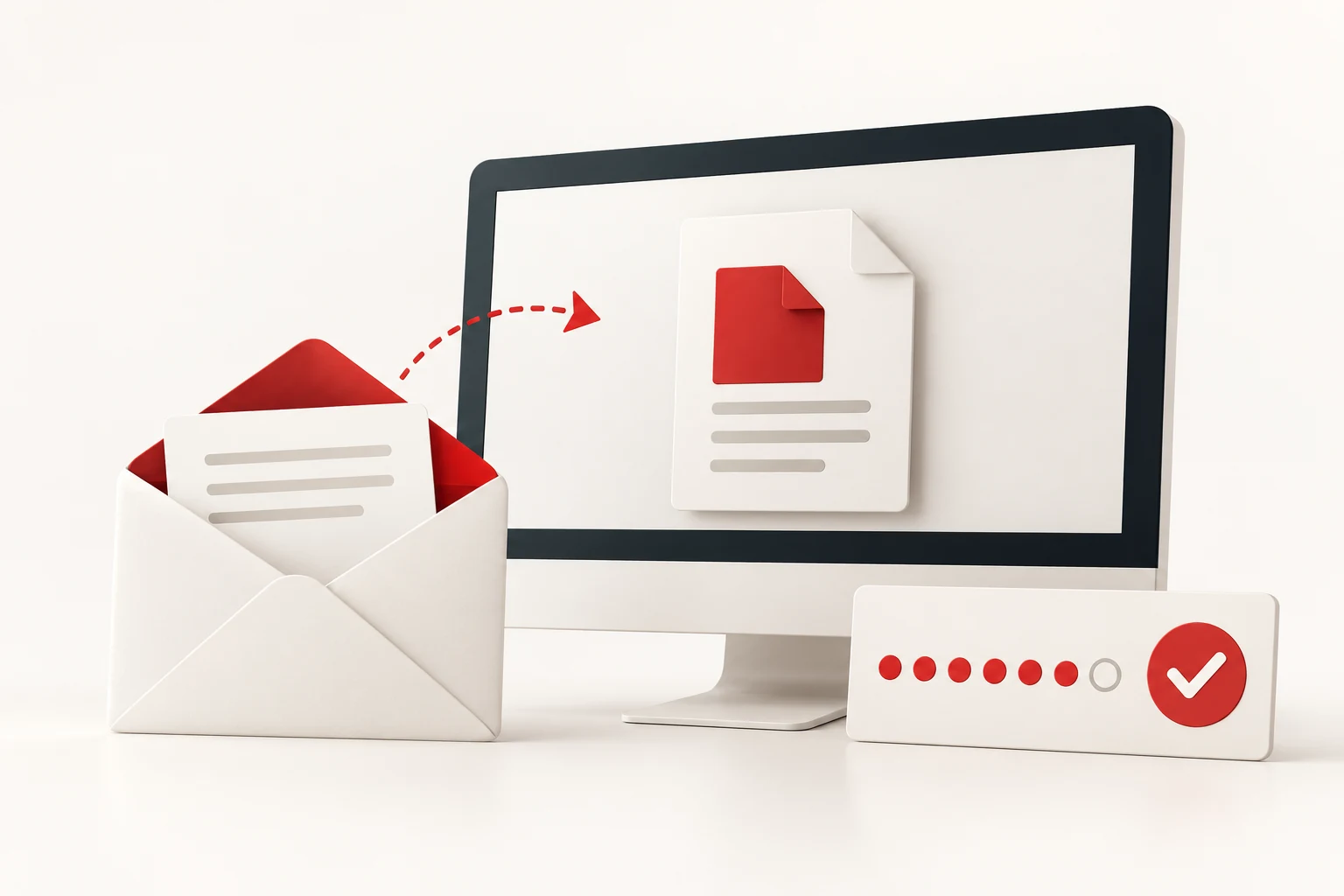
Conceptual illustration of email verification before document access
Email verification is part of the access process.
Control future access

Change permission.
Keep a useful record.

Edit a recipient’s access level while keeping their link, or revoke future access through the portal. Review the recorded actions beneath each recipient’s email.

Activity identifies the verified email associated with a request. It does not prove who physically used a device or that a document was read.

Know what access controls can do.

Preview only hides the portal download control; it cannot prevent browser saving, screenshots or printing. Revoking a link does not erase copies already downloaded.

A download request records a request, and a Print button click records a click. Neither confirms completed delivery or physical printing.

Match it to your workflow.

Useful for businesses that need an approved recipient list, individual document access and a dated activity history.

Ask PageGravy about installation, current availability and the requirements of your document-sharing process. No public upload account or online purchase is offered here.

Explore custom portals & software →

A clearer way to share your next PDF.

Tell us who needs access, what they should be able to do, and how long access should last.

Talk to PageGravy