PG Scope: A WordPress Analytics Plugin for Visitor Tracking, Journeys & AI Traffic
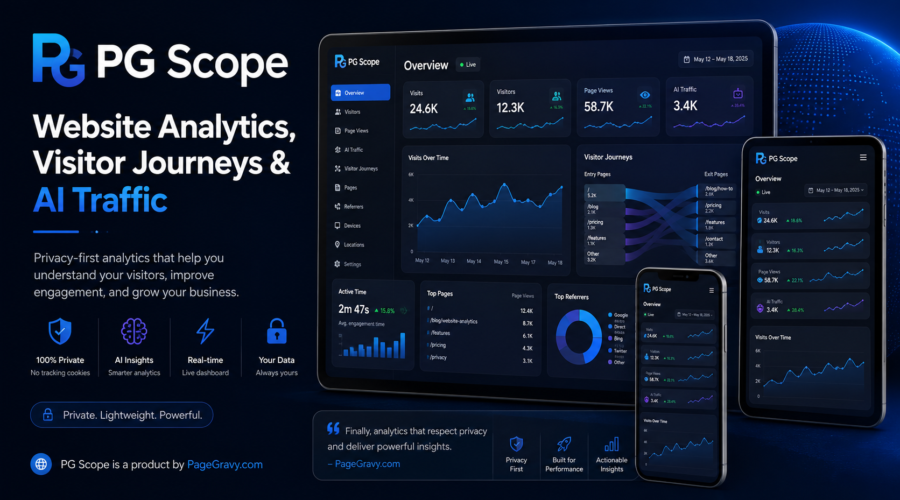
Website traffic should be easy to understand. However, many analytics tools make simple questions hard to answer. PG Scope takes a simpler approach. It shows visits, visitor paths, traffic sources, active time, AI traffic, location data, and site trends.
Most of all, Scope focuses on useful facts. You can see what happened without digging through many reports. In addition, Scope works inside WordPress. That keeps the data close to the website.
PG Scope is currently available only to PageGravy clients with WordPress websites hosted by PageGravy. It is not a stand-alone public plugin at this time. As a result, PageGravy can manage setup, hosting, updates, and support together.
See What Is Happening on Your Website
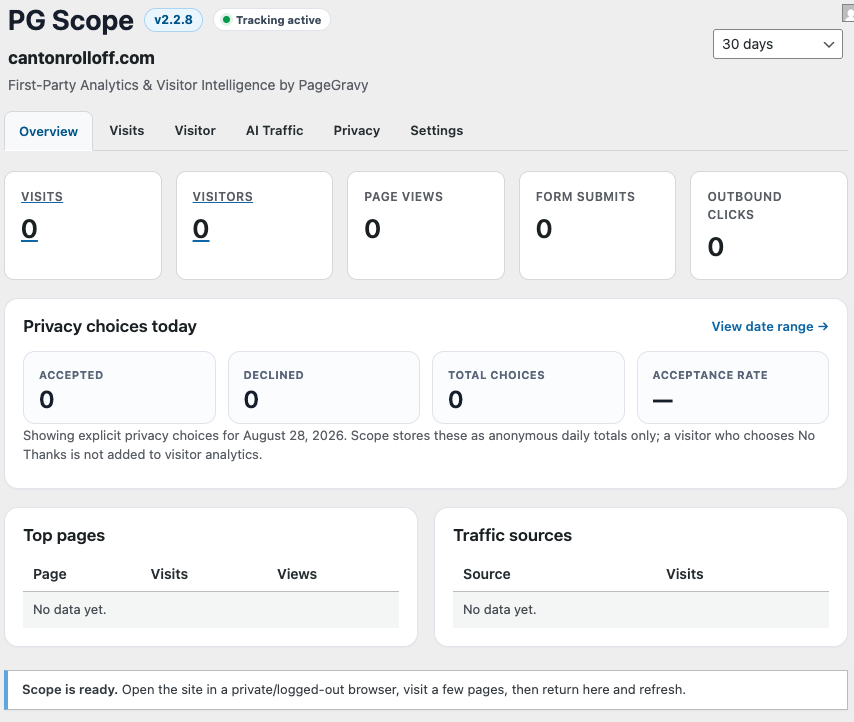
First, Scope gives you a clear view of site activity. You can see visits, visitors, page views, traffic sources, and trends. Therefore, you can understand the day at a glance.
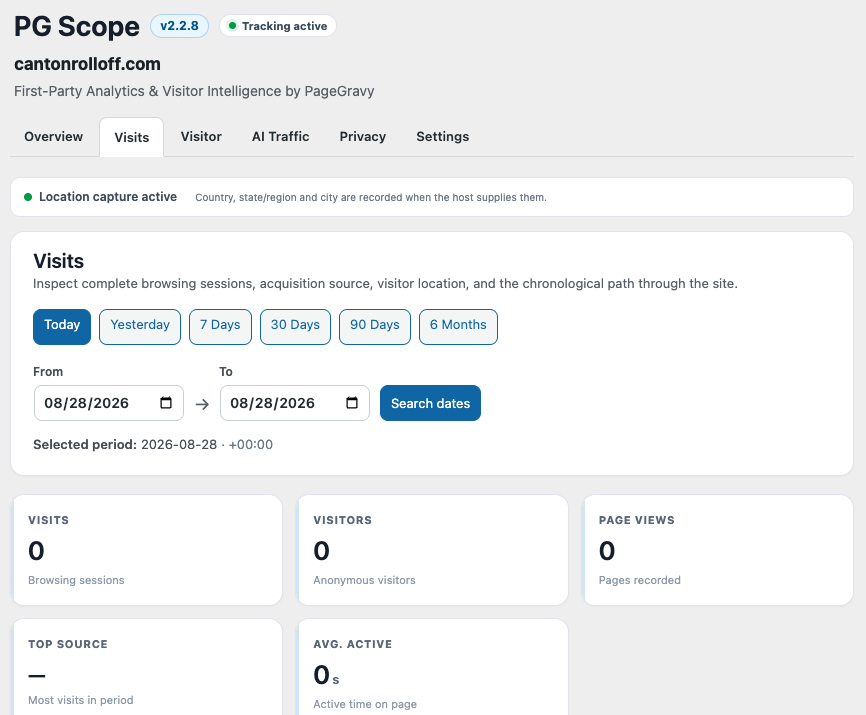
Date controls make it easy to look back. For example, choose Today, Yesterday, 7 Days, 30 Days, 90 Days, or 6 Months. You can also pick your own From and To dates. Because of that, short and long trends are easy to compare.
Follow the Full Visitor Journey
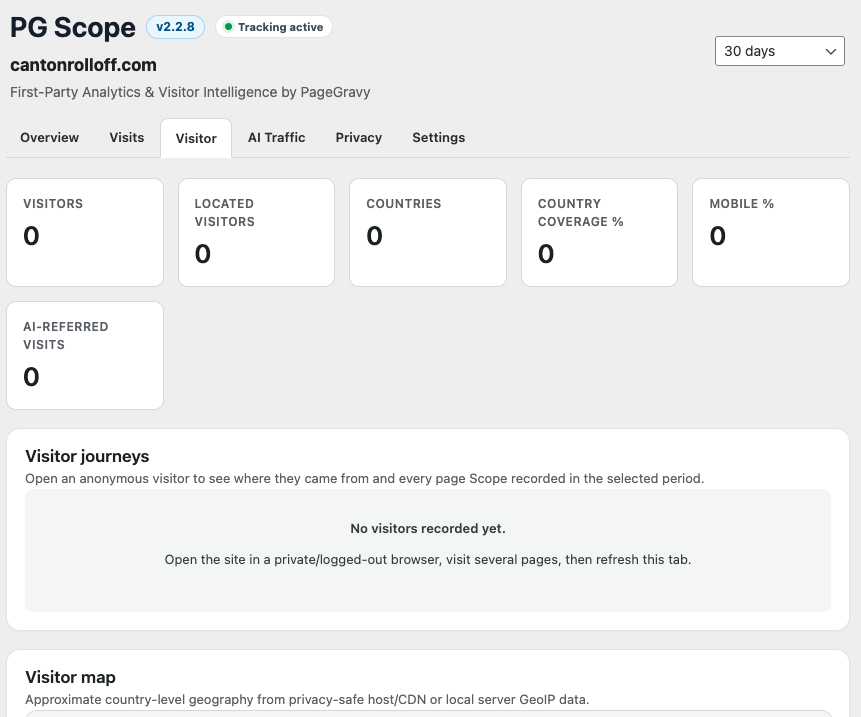
Page views are helpful. Still, they do not show the full story. Scope shows the order in which pages were viewed. As a result, you can see the path a visitor took.
For example, a person may land on a service page. Next, that person may read another page. Then, the visitor may open the contact page. That path can show real interest.
Scope also joins related activity into one visit. If the same anonymous visitor keeps browsing, the visit stays together. A gap of more than 30 minutes starts a new visit. Therefore, the report is easier to follow.
Connect Repeat Visits From the Same Anonymous Visitor
A visit and a visitor are not the same thing. One person may visit a site more than once. Therefore, Scope has a Visitors view for related activity.
This view helps connect the dots. You can see whether the same anonymous browser came back later. At the same time, Scope does not claim to know the person’s name. Instead, it shows website use without making up an identity.
Track AI Traffic Alongside Search and Referral Traffic
Website search is changing. People still use Google and Bing. However, more people now find websites through AI tools.
Because of that, Scope includes AI traffic reports. When referral data is available, Scope can spot visits from ChatGPT, Gemini, Perplexity, Claude, Copilot, and other AI tools.
In addition, Scope shows search, referral, and direct traffic. Therefore, you can compare AI traffic with older traffic sources in one place.
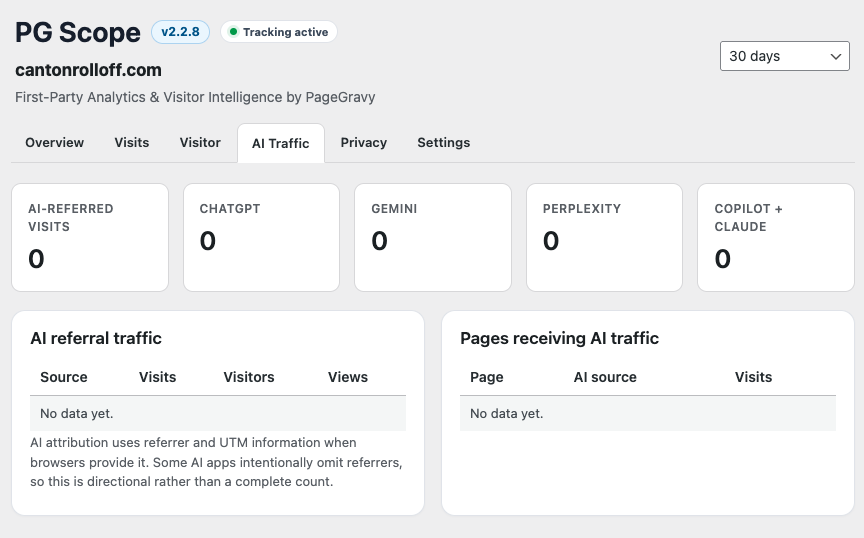
Why does AI traffic matter? A site may already get visits from AI tools. The owner may not know it. Scope makes those visits easier to see. As AI search grows, that view can become even more useful.
Measure Active Time, Not Just an Open Tab
A browser tab can stay open for a long time. However, that does not mean someone is still reading it. Therefore, Scope tracks active time while the page is visible.
In other words, a hidden tab does not keep adding active time. As a result, the number gives a better view of real use.
See Where Traffic Comes From
Scope can show search engines, AI tools, referring websites, and direct visits. In addition, it can show the referring domain when that data is sent.
Location can help too. When the server provides the data, Scope can show country, state or region, and city. However, that location is only an estimate. It is not used to name the visitor.
Use Location Diagnostics When Data Is Missing
Sometimes a server does not send enough location data. Therefore, Scope includes Location Diagnostics.
On supported Hostinger setups, Scope can check the site’s root .htaccess file for GeoIPEnable On. Then, Scope can show whether that line was found. As a result, missing city or state data is easier to fix.
Review Up to Six Months of Site Activity
Daily reports are useful. However, longer views can reveal trends that are easy to miss.
Scope can report on the most recent six months. In addition, the Visits and Page Views chart adjusts to the date range. Short ranges can show days. Medium ranges can show weeks. Longer ranges can show months. Therefore, the chart stays clear.
Check Scope From a Private iPad or Mobile Dashboard
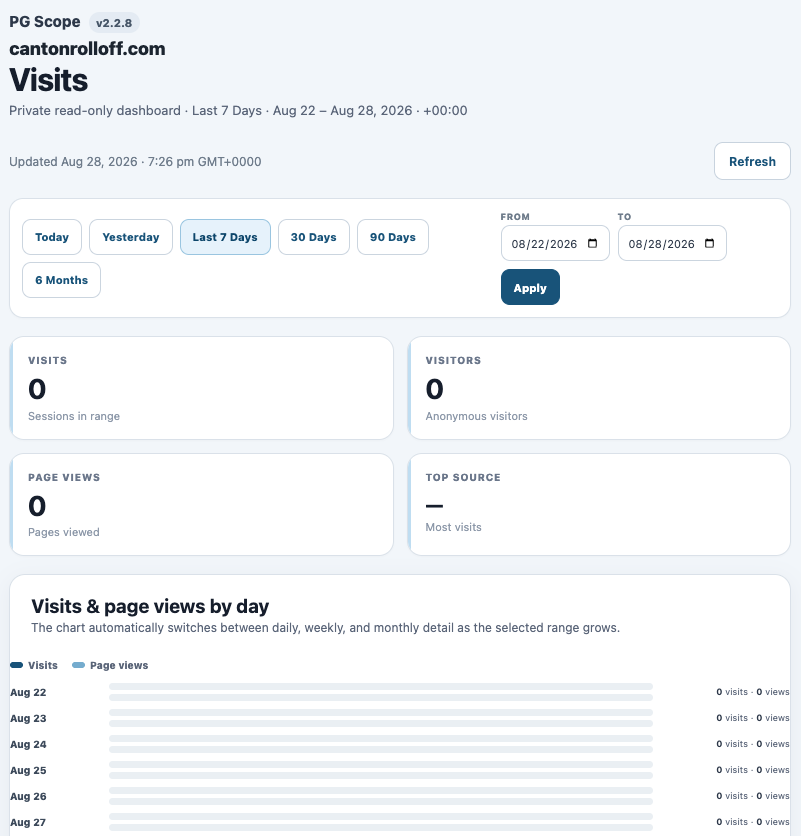
Site owners do not always want to log into WordPress. For that reason, Scope has a private, read-only dashboard.
The dashboard works well on an iPad, tablet, phone, or browser. It can show visits, visitors, page views, sources, trends, and visitor paths. In addition, the same useful date ranges are available. As a result, checking traffic takes only a moment.
Keep Privacy Controls Close to the Data
Useful site data and privacy can work together. Therefore, Scope includes optional first-party privacy controls.
When the privacy choice is on, Scope can wait for the visitor to choose Accept. If the visitor chooses No Thanks, Scope does not start analytics for that browser. In addition, Scope can show anonymous totals for accepts and declines.
WordPress also gives site owners privacy tools. For example, its official guide covers privacy policies, data export, data removal, and consent. You can read the official WordPress privacy documentation for more details.
Keep Your Own Visits Out of the Reports
Site owners can change their own traffic numbers without meaning to. Therefore, Scope can block internal traffic.
For example, you can exclude an IP address. You can also exclude a browser. In addition, WordPress admins are not tracked. As a result, normal site work is less likely to raise the visitor count.
Keep Analytics Inside WordPress
Scope is a first-party WordPress analytics tool. Because of that, the owner can review site activity inside WordPress.
Scope can also help stop duplicate tracking. For example, it can remove direct Google Analytics code when that code was added to the site itself. However, a Google tool linked another way may need a separate change.
Keep Enough History to See Real Trends
The current Scope builds use a 365-day default data-retention setting. Therefore, there is enough history for useful comparisons.
At the same time, that setting can be changed. This gives the site owner more control over stored data.
What Can PG Scope Help You Learn?
- How many visits and visitors did the site get?
- Which pages did people view?
- What path did a visitor take?
- How much active time did a visitor spend on a page?
- Did the visit come from Google, Bing, AI, another site, or direct traffic?
- Are ChatGPT, Gemini, Perplexity, Claude, Copilot, or other AI tools sending traffic?
- Where is traffic coming from when location data is available?
- Did the same anonymous visitor come back later?
- How have visits and page views changed over time?
- Can the owner check traffic from an iPad without opening WordPress?
Who Can Use PG Scope?
PG Scope is currently a PageGravy client feature. Specifically, it is for PageGravy clients with WordPress sites hosted by PageGravy.
This setup has a clear benefit. PageGravy manages both the site and Scope. Therefore, setup and support can be handled together. In addition, we can make sure Scope works well with the hosting setup.
PG Scope is not sold as a public download for outside WordPress sites. Instead, it is part of the web and hosting service PageGravy can offer to eligible clients.
Interested in PG Scope?
Want a clearer way to understand your website traffic, visitor paths, and AI referrals? If you have a WordPress website hosted with PageGravy, PG Scope may be a good fit.
For more information, contact us through the PageGravy contact form. Tell us you are interested in PG Scope, and we can help you learn more.